


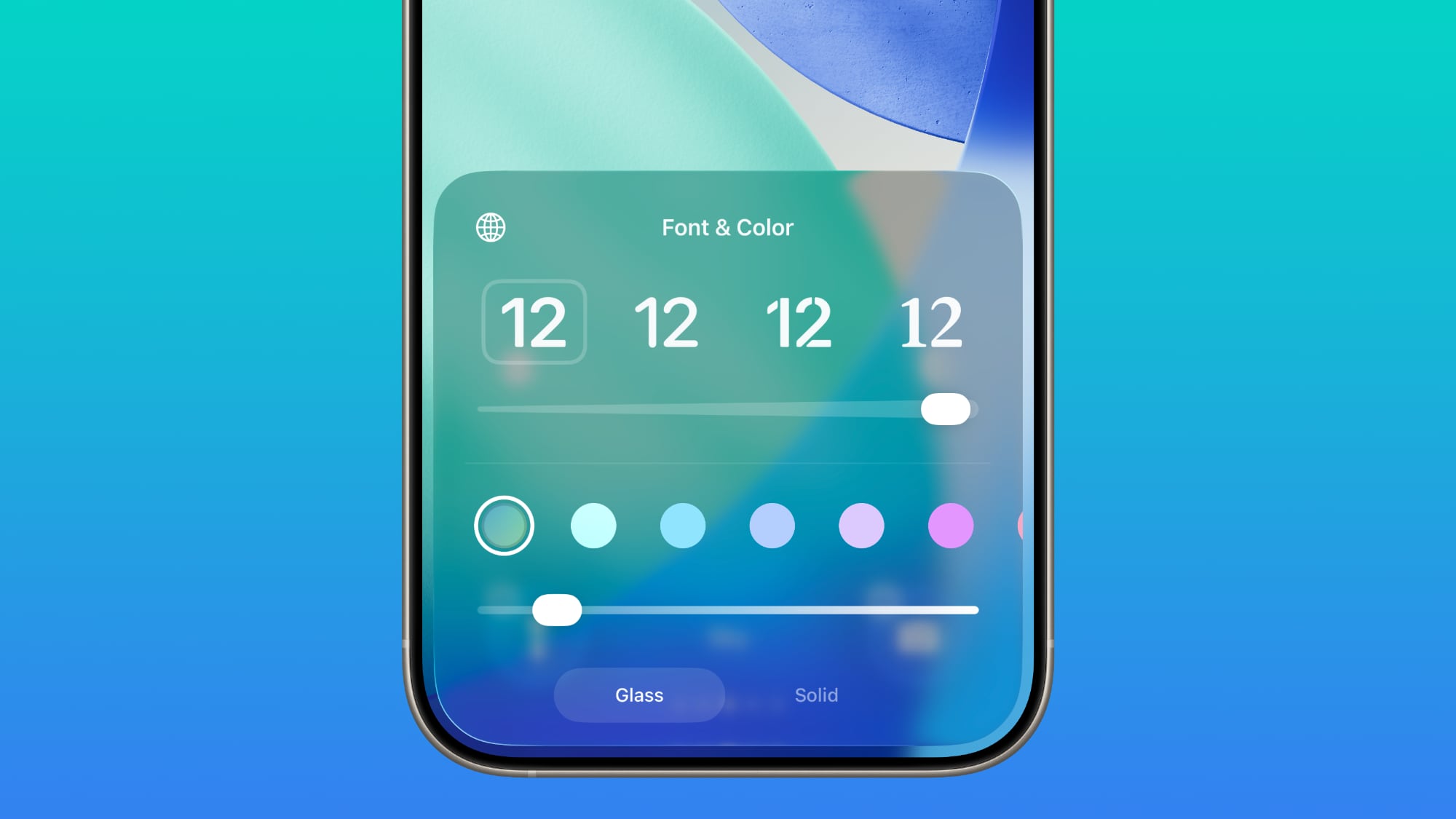
There continues to be a separate Solid toggle that turns off the Liquid Glass appearance for the clock entirely if you want to opt for a much more opaque design.
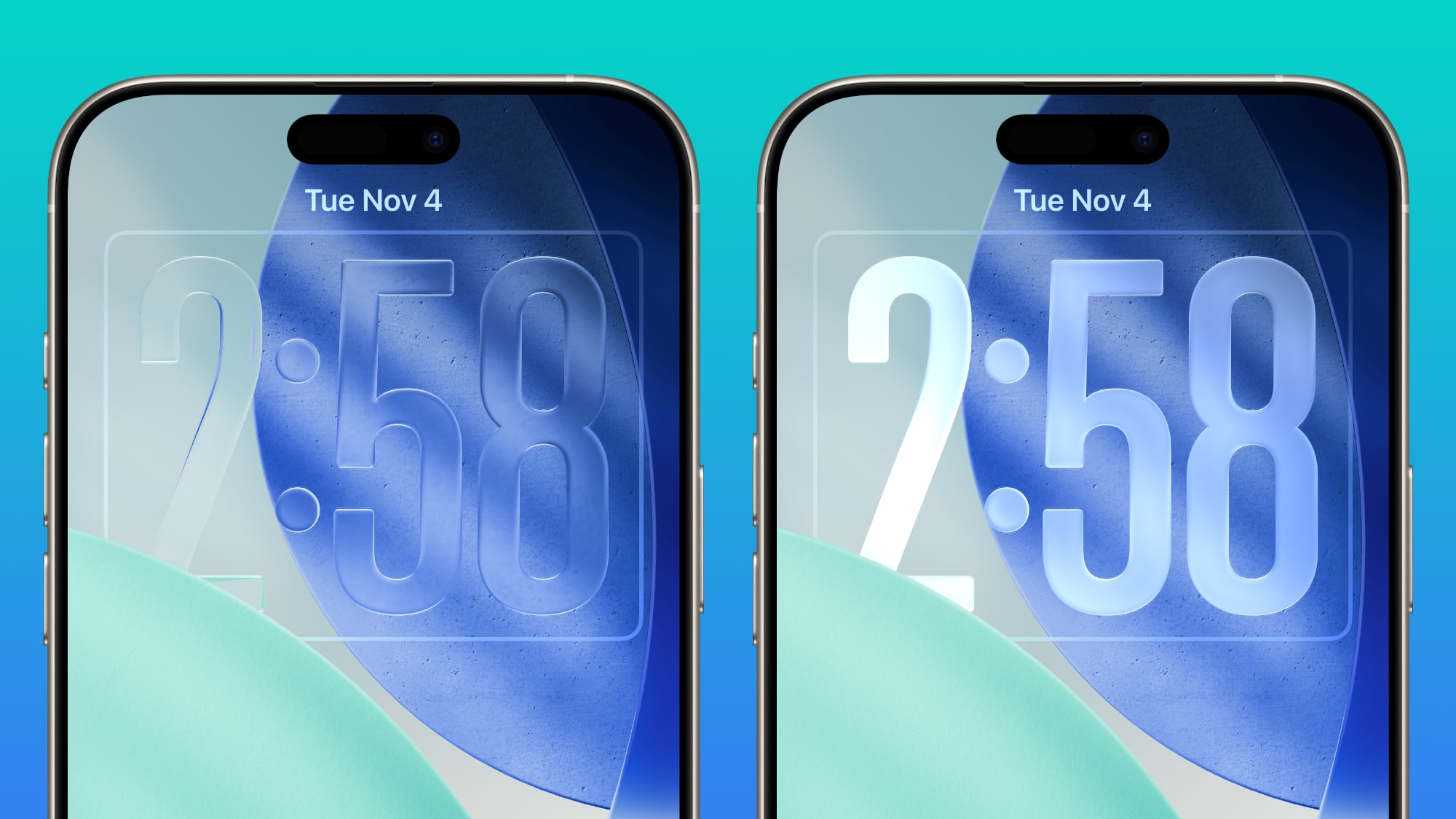
Apple has been adding Liquid Glass customization options, most recently introducing a "Tinted" toggle in iOS 26.1 that makes notifications and in-app buttons much more opaque for those who don't care for the Liquid Glass transparency.
Many iPhone users have been asking for a Liquid Glass slider to customize the intensity of Liquid Glass throughout iOS 26, but it's not clear if Apple plans to expand the slider beyond the Lock Screen.
Related Forum: iOS 26
This article, "iOS 26.2 Lock Screen Gets Liquid Glass Slider" first appeared on MacRumors.com
Discuss this article in our forums
0 comments:
Post a Comment