


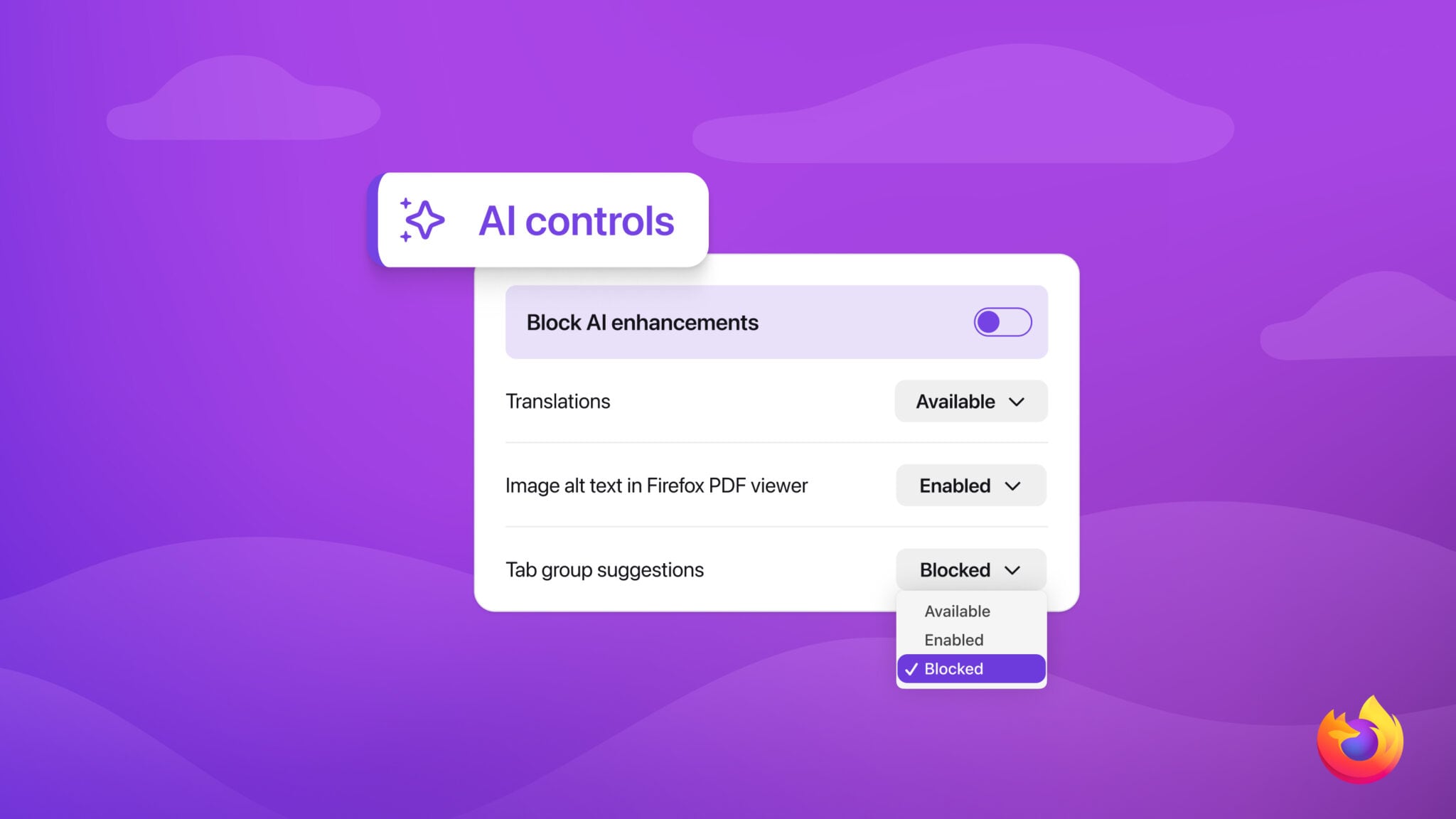
Here's what can be disabled:
- Translations, which help you browse the web in your preferred language.
- Alt text in PDFs, which add accessibility descriptions to images in PDF pages.
- AI-enhanced tab grouping, which suggests related tabs and group names.
- Link previews, which show key points before you open a link.
- AI chatbot in the sidebar, which lets you use your chosen chatbot as you browse, including options like Anthropic Claude, ChatGPT, Microsoft Copilot, Google Gemini and Le Chat Mistral.
The AI features can be disabled entirely or individually, so users can pick and choose what they want to use. Users will be able to continue to opt out of AI features as they are added in the browser, and the main Block AI Enhancements toggle will disable all current and future AI features, including pop-ups or reminders to use existing or upcoming AI features.
Mozilla says that it wants to be able to continue to build AI options for those who want them, while also giving those who don't a way to disable them.
AI controls will be added in Firefox 148, which is set to start rolling out to users on February 24.
Tag: Firefox
This article, "Firefox Getting New Controls to Turn Off AI Features" first appeared on MacRumors.com
Discuss this article in our forums
0 comments:
Post a Comment