


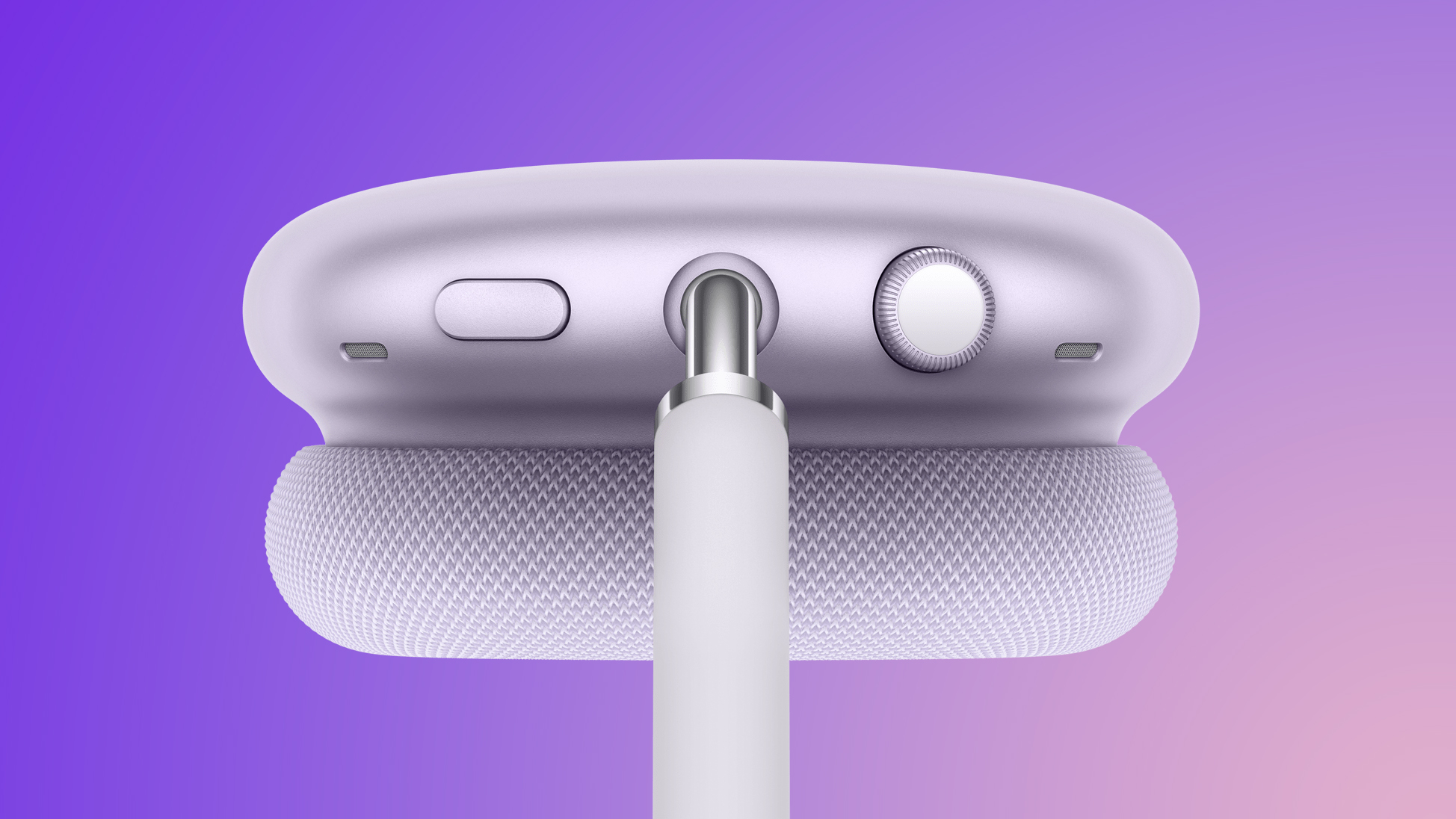
On the AirPods Max 2, a new Camera Remote feature allows you to press the Digital Crown to take a photo and start or stop video recording while using Apple's Camera app or compatible third-party camera apps on an iPhone or iPad.
Apple says this feature requires AirPods Max 2 that are running the latest firmware and paired with iPhone and iPad models running iOS 26.4 or iPadOS 26.4 or later. Those software versions are still in beta testing, but they will be released in time for the AirPods Max 2 launch in early April, barring any unforeseen delays.
Here are all of the Digital Crown controls on AirPods Max 2:
- Turn for volume control
- Press once to play or pause media
- Press once to answer a call or mute or unmute
- Press once for camera remote
- Press twice to end a call
- Press twice to skip forward
- Press three times to skip back
- Press and hold for Siri
Read the rest of our AirPods Max 2 coverage to learn more:
- Apple Announces AirPods Max 2 With H2 Chip and More
- AirPods Max 1 vs. AirPods Max 2 Buyer's Guide: 25+ Differences Compared
- What Hasn't Changed With AirPods Max 2
Related Roundup: AirPods Max
Buyer's Guide: AirPods Max (Buy Now)
Related Forum: AirPods
This article, "AirPods Max 2's Digital Crown Has a Useful New Feature" first appeared on MacRumors.com
Discuss this article in our forums
0 comments:
Post a Comment