


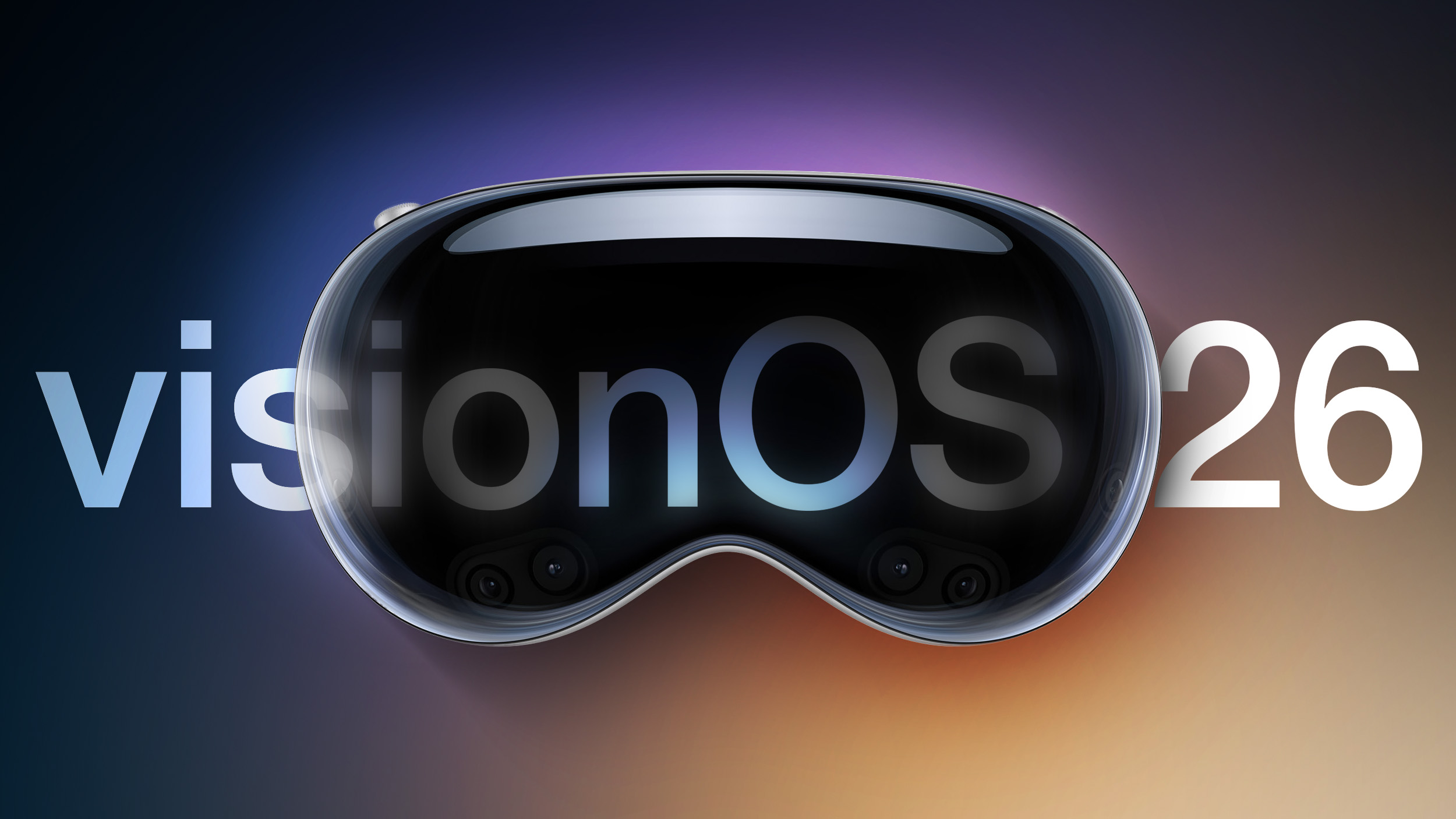
visionOS 26.4 can be downloaded on all Vision Pro headsets by navigating to the Settings app, selecting the General section, and choosing the Software Update option. To install an update, the Vision Pro headset needs to be removed, and there is a software progress bar available on the exterior EyeSight display.
Apple's release notes say that visionOS 26.4 includes bug fixes and security improvements, along with eight new emoji characters. New additions include distorted face, fight cloud, landslide, ballet dancer, treasure chest, trombone, orca, and hairy creature.
visionOS 26.4 is recommended for all Vision Pro users.
Related Roundup: Apple Vision Pro
Buyer's Guide: Vision Pro (Buy Now)
Related Forum: Apple Vision Pro
This article, "Apple Releases visionOS 26.4" first appeared on MacRumors.com
Discuss this article in our forums
0 comments:
Post a Comment