

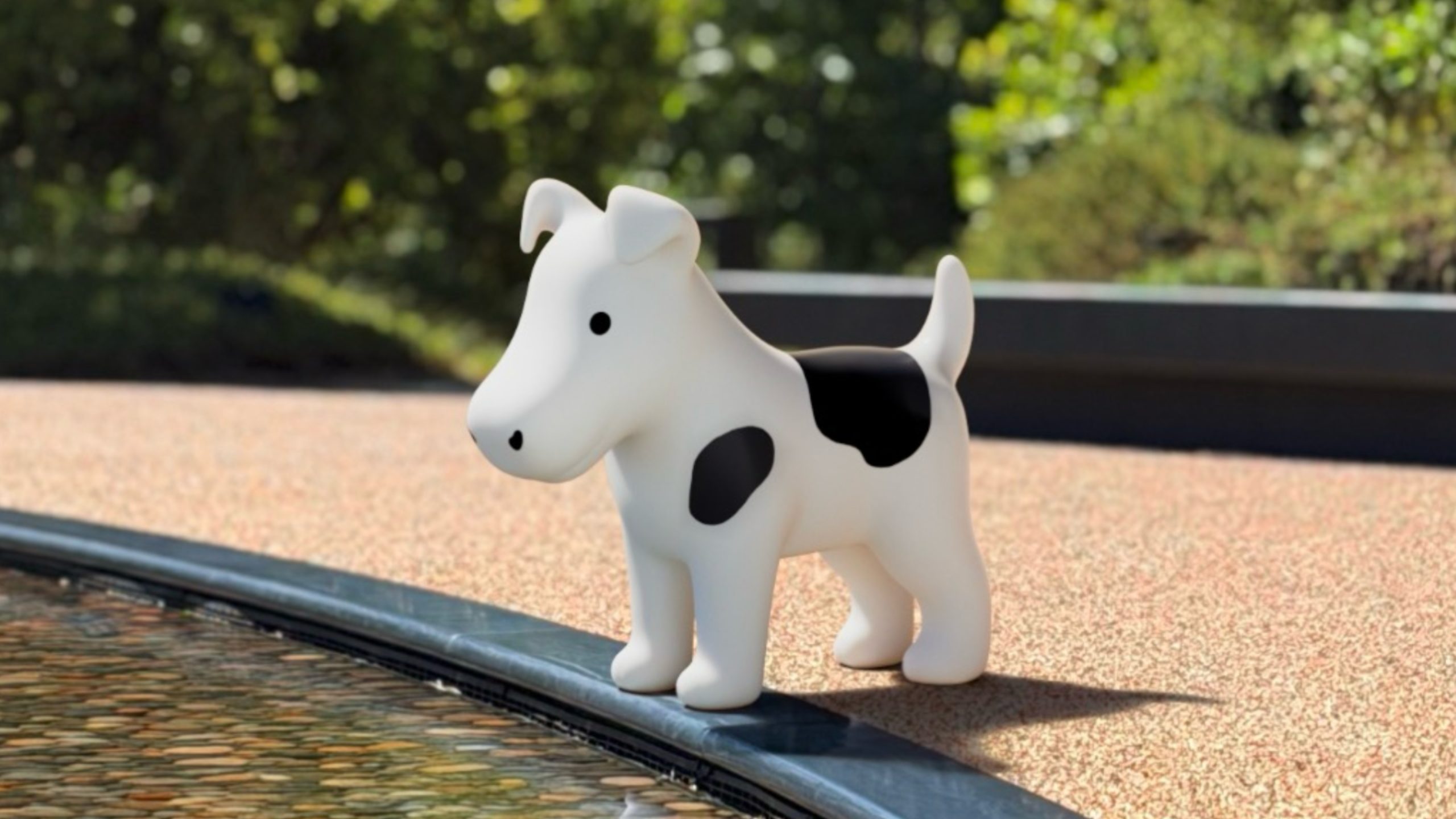
Open the Settings app, then tap through to Appearance ➝ Liquid Glass. Scroll to the bottom of the "Welcome to Apple Park" sample images, and went you hit the last image, keep dragging up with your finger until the word "Moof!" appears in the search bar overlay and the image changes.
Say hello to Clarus. A bitmap image of the famous dogcow was originally used to demonstrate page layout in the classic Mac OS, indicating to users which orientation the paper would be in when it was printed. The original glyph it was based on was created by Susan Kare for the Cairo dingbat font that came with the original Mac in 1984, but it became the official mascot of Apple's Developer Technical Support.
When Apple was a fledgling company, Mac developers regularly left fun little Easter eggs in software, but not so much these days. While surprises can still be found, they are a lot more subtle, and exist more as a nod and wink to Apple's origins rather than anything edgy or unauthorized. If you're interested, several have been found in macOS over the years.
Related Forum: iOS 27
This article, "Moof! Apple Snuck a Dogcow Into iOS 27 - Here's How to Find It" first appeared on MacRumors.com
Discuss this article in our forums

0 comments:
Post a Comment